

Let's connect the Authorised Klayvio Captive WiFi Marketplace App
Log in to the Captive WiFi Dashboard
Click Company Integrations
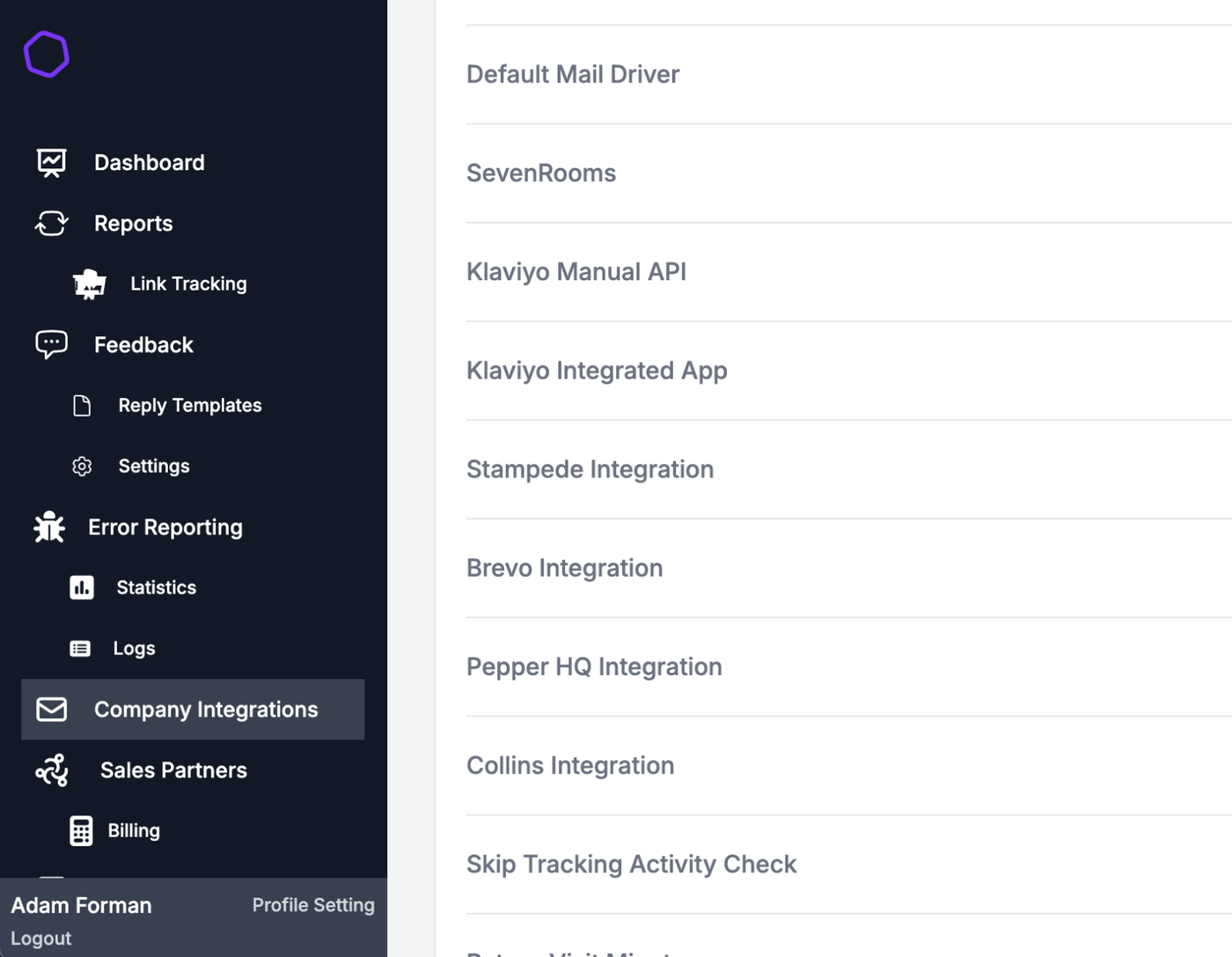
Select Klayiyo Integrated App
Click the purple Connect Button.
This will take you to the Klayiyo platform and use your dashboard credentials.
Once logged in you will be presented with the following box, choose Allow
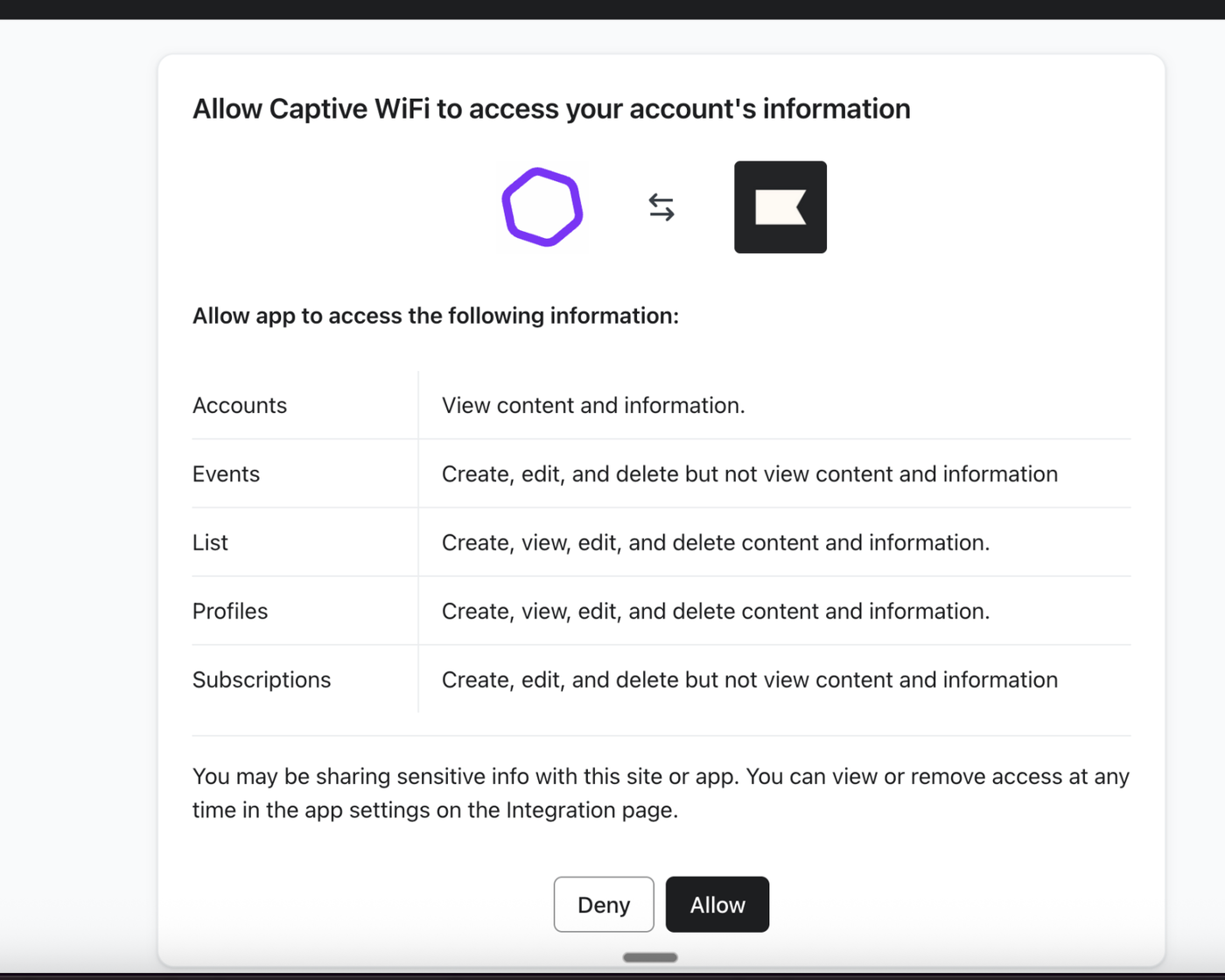
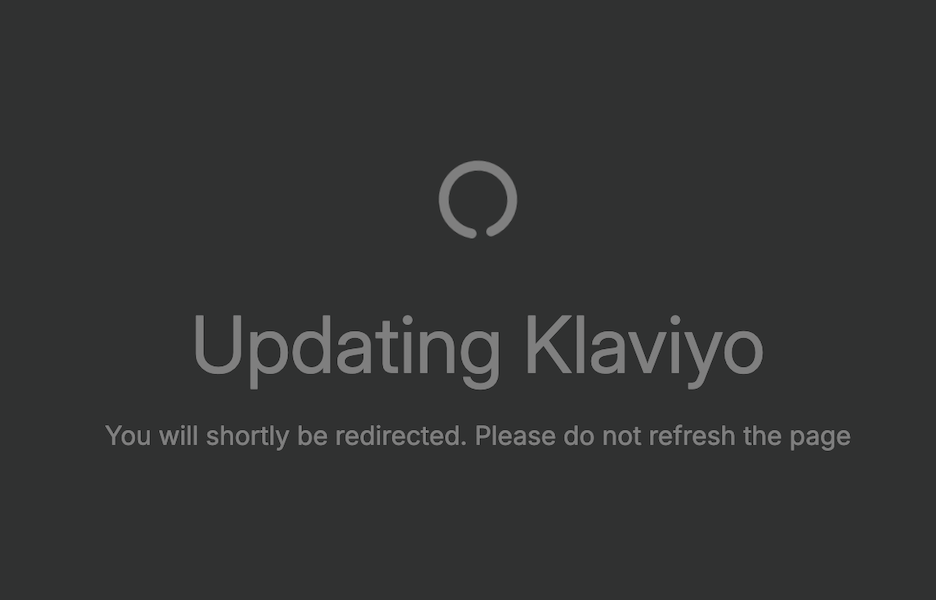
This will launch back to the Captive WiFi dashboard and update our system
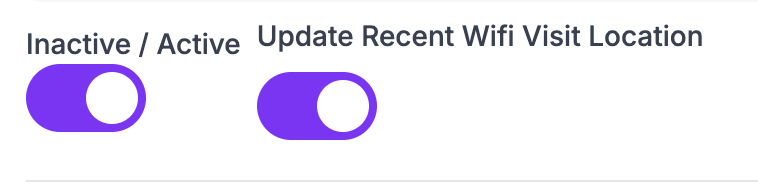
Enable the toggles below to activate the integration and toggle recent WiFi Vist
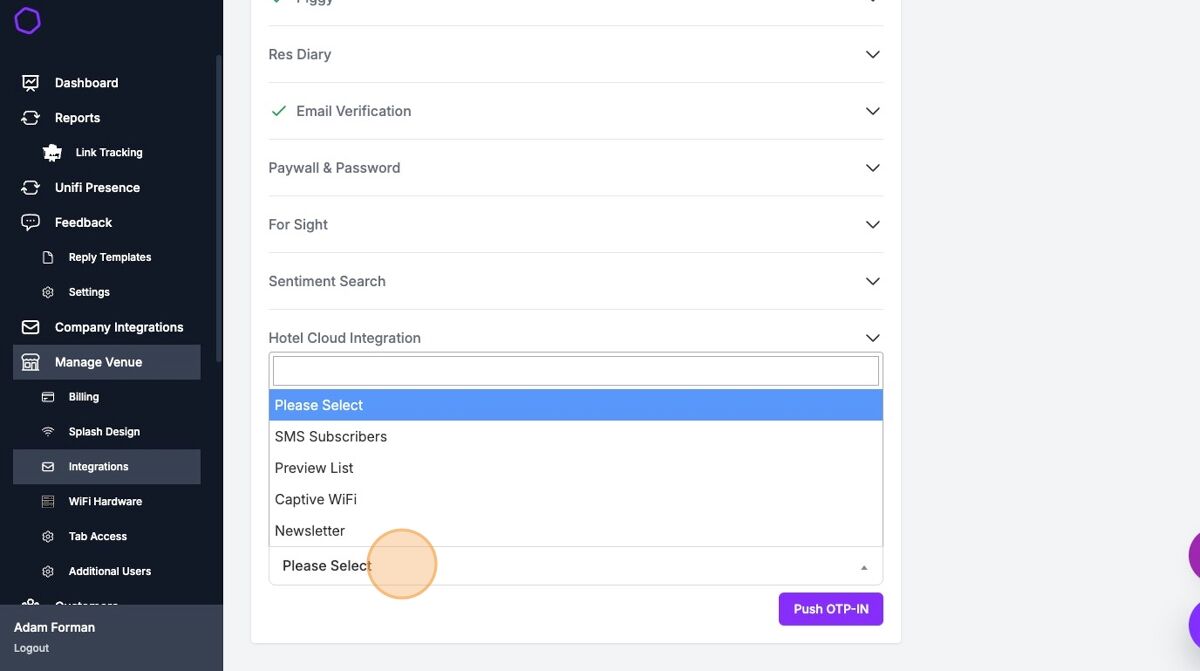
Select Venue > Integrations, find Klayvio integrated and select the relevant list.
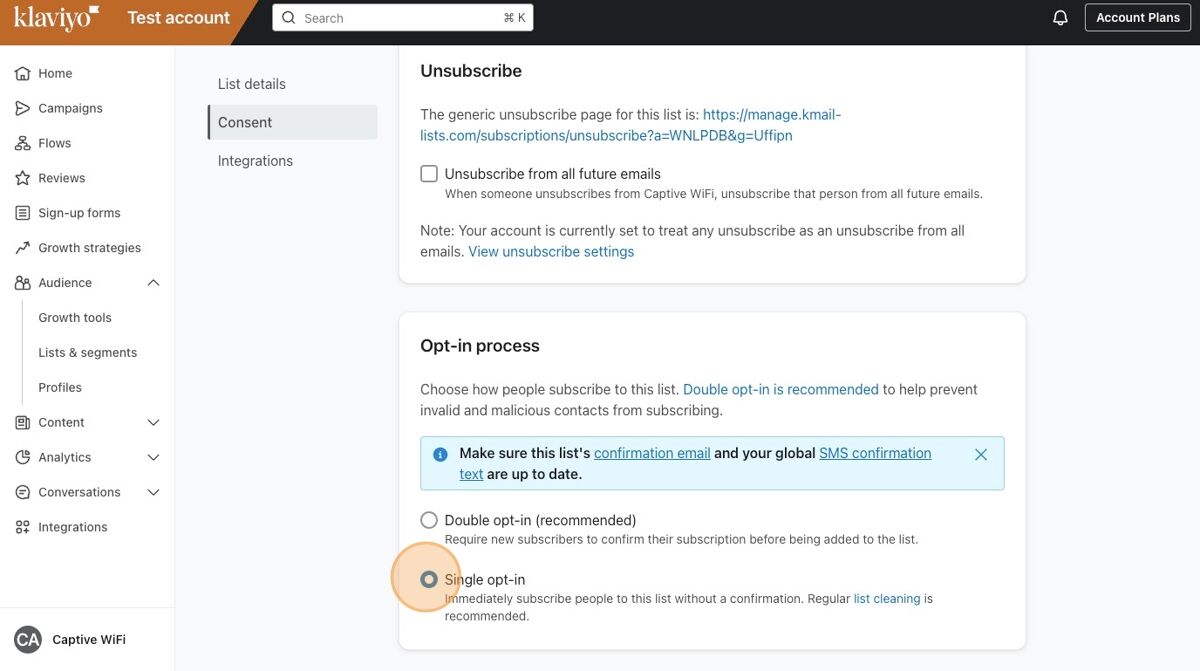
Ensure you click Double Opt-in on the consent page below in your dashboard
Once completed, this will only send new data to the platform; you may need to export older data via the Manage Venue > Export Data area